

GetPDF icon
Productivity

GetPDF

Powerful PDF editing that stays on your device

Download on the App StoreGet it on Google Play
GetPDF banner

Screenshots

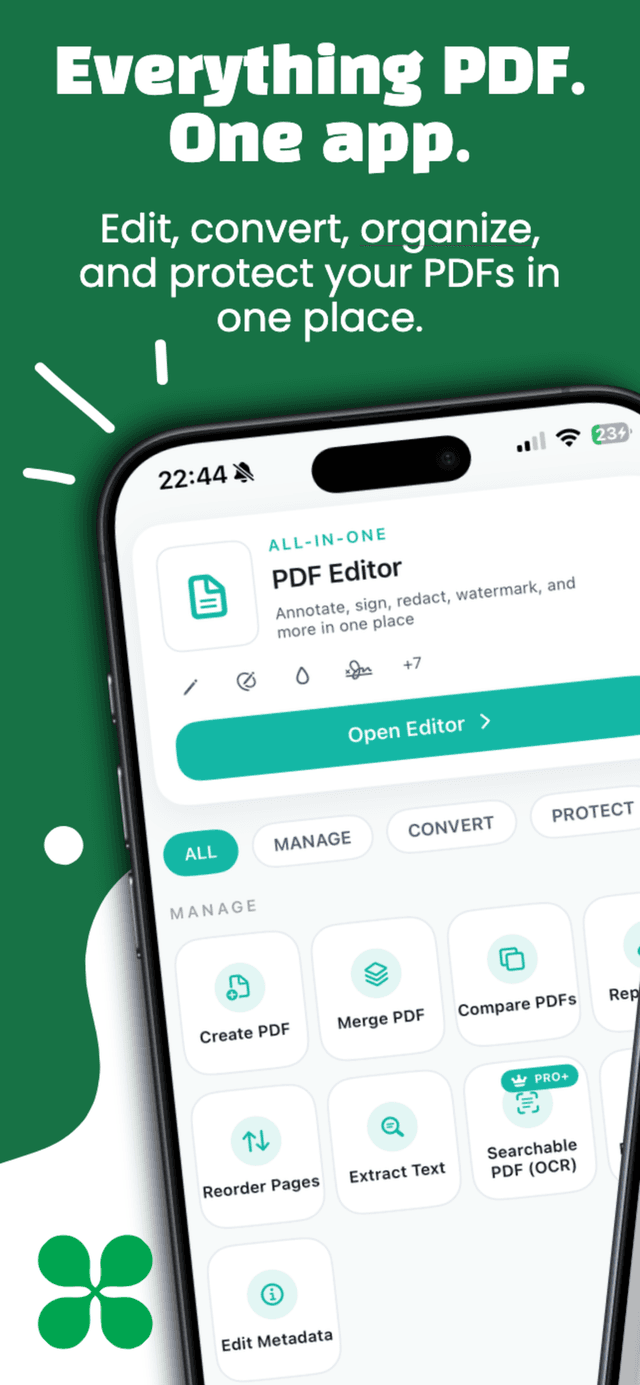
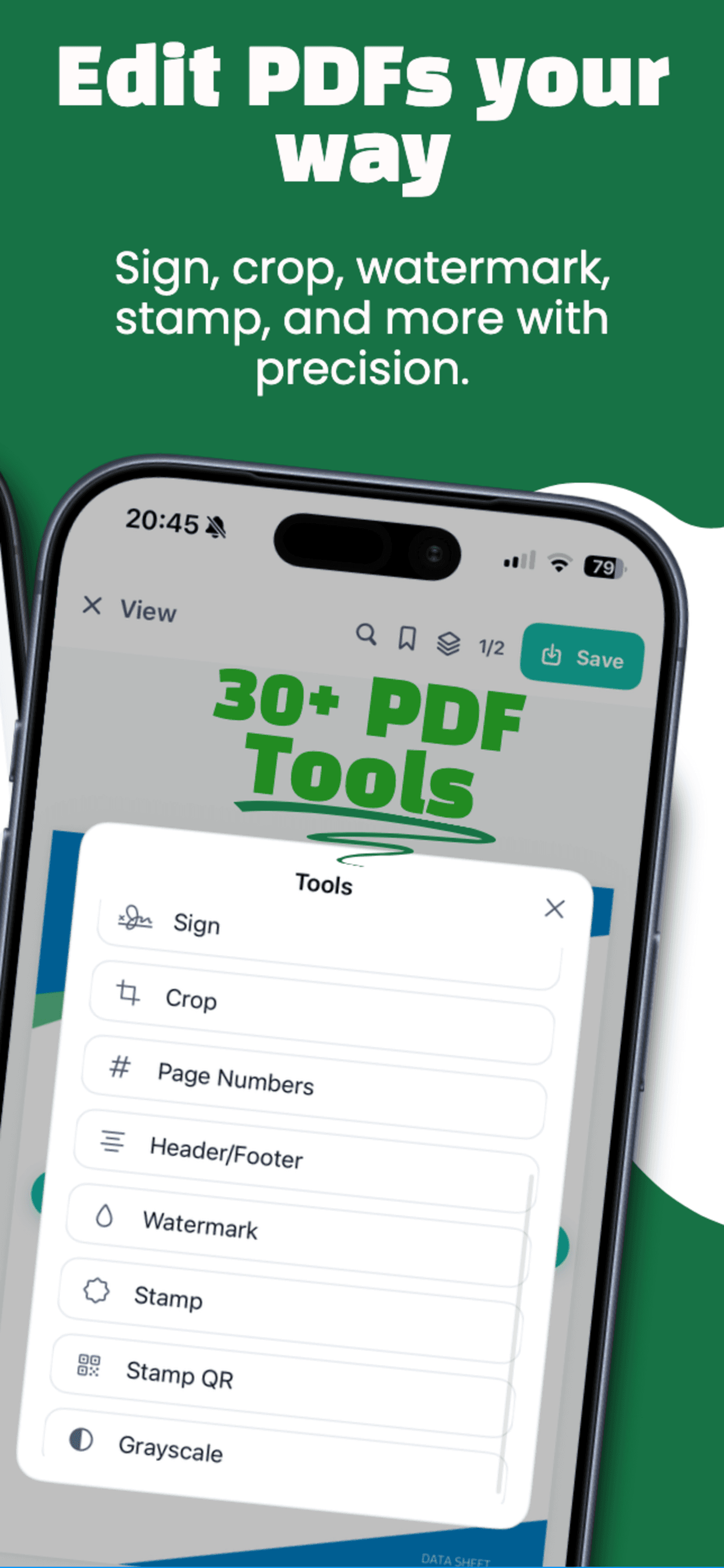
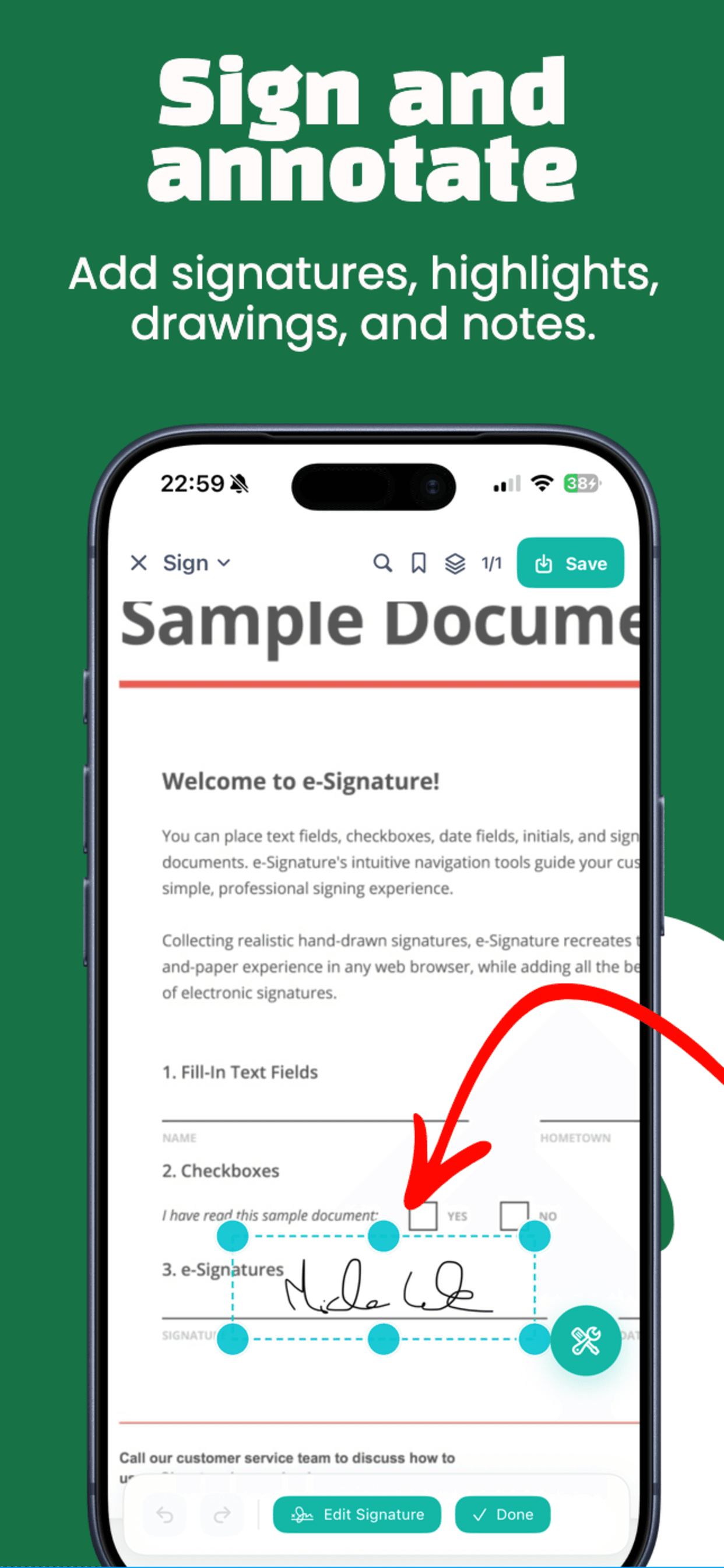
GetPDF screenshot 1
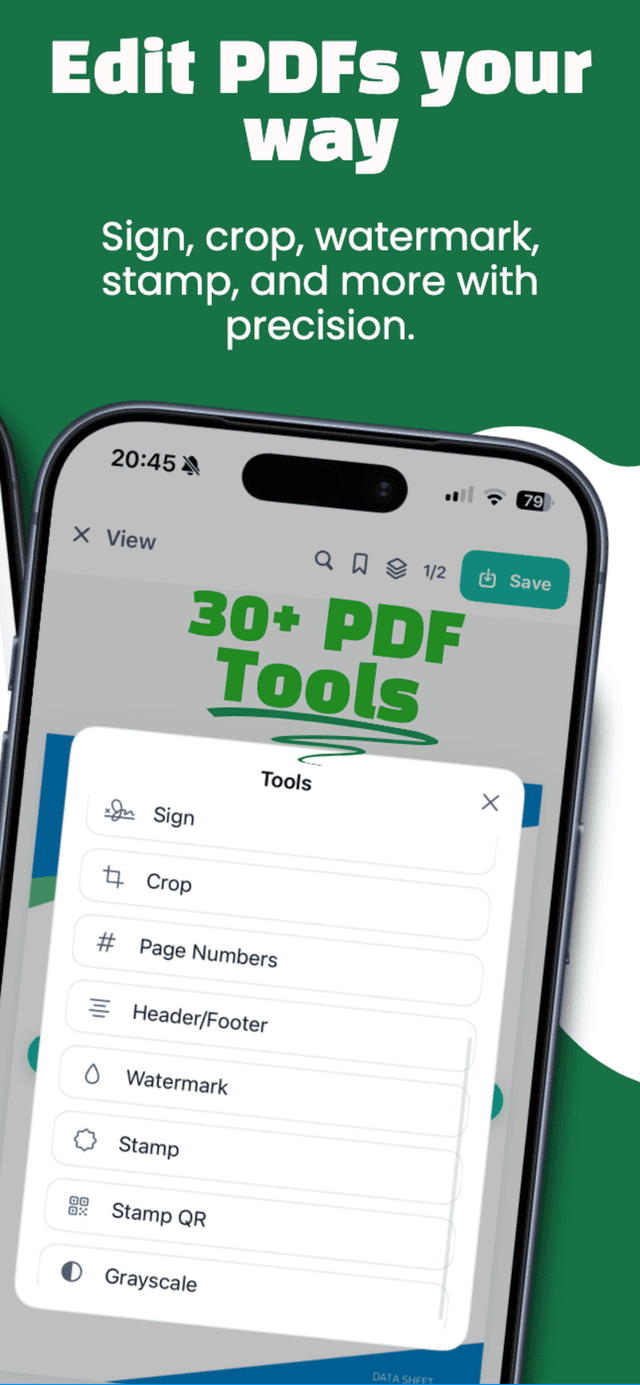
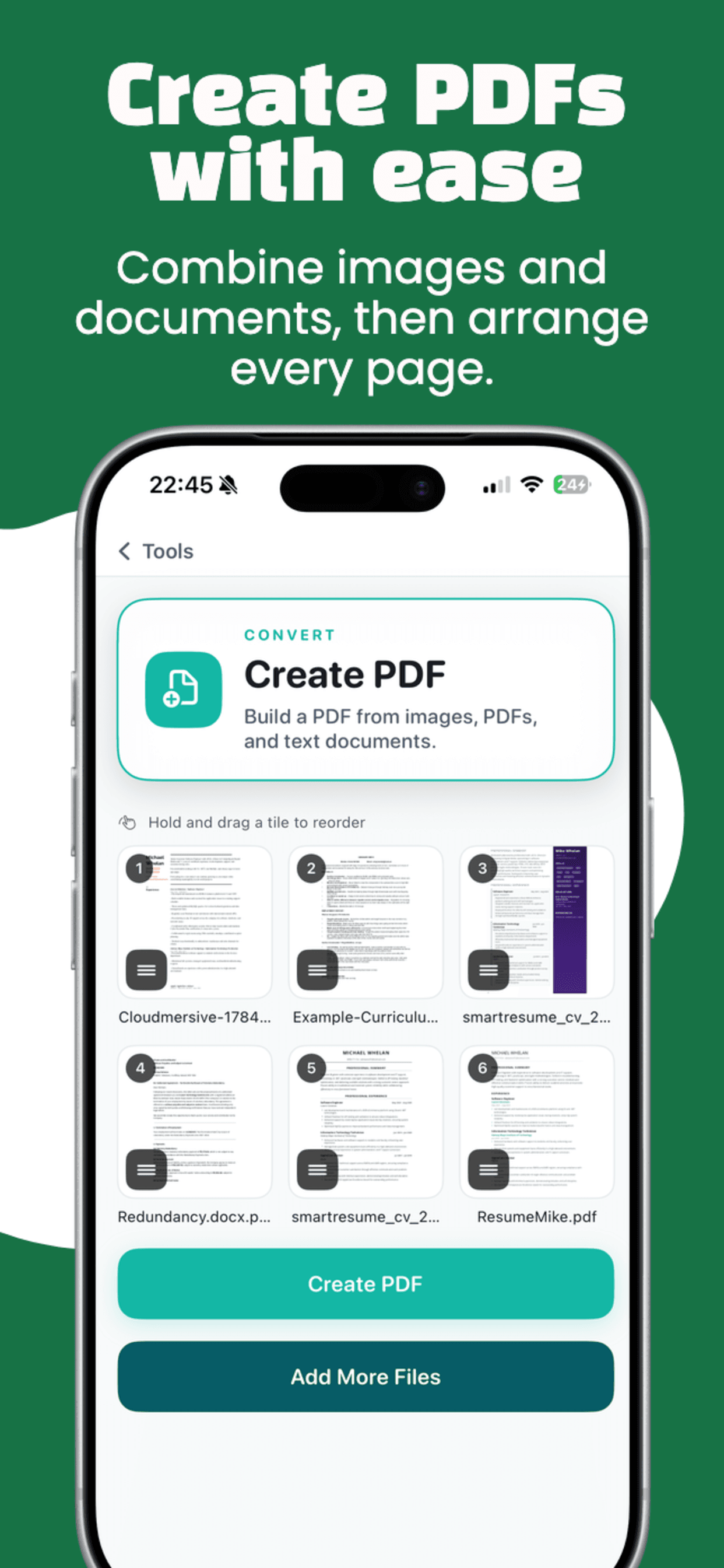
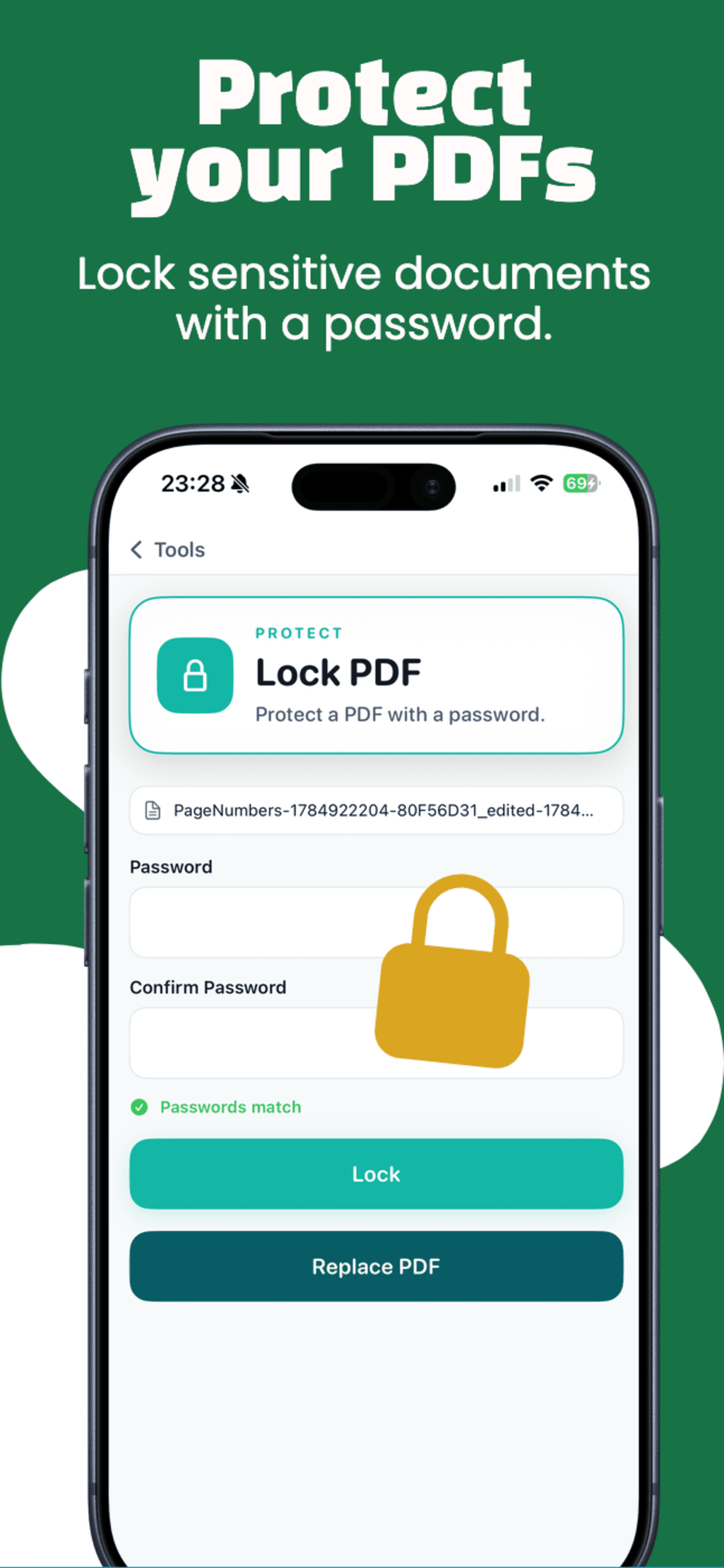
GetPDF screenshot 2
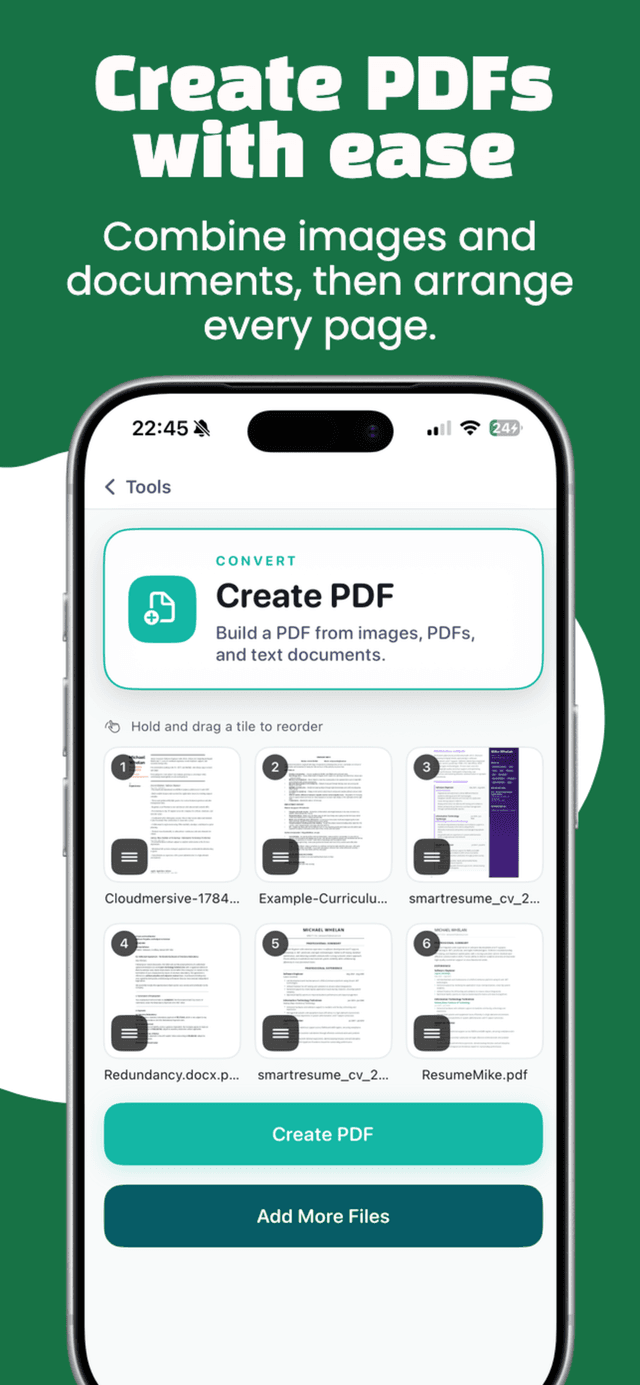
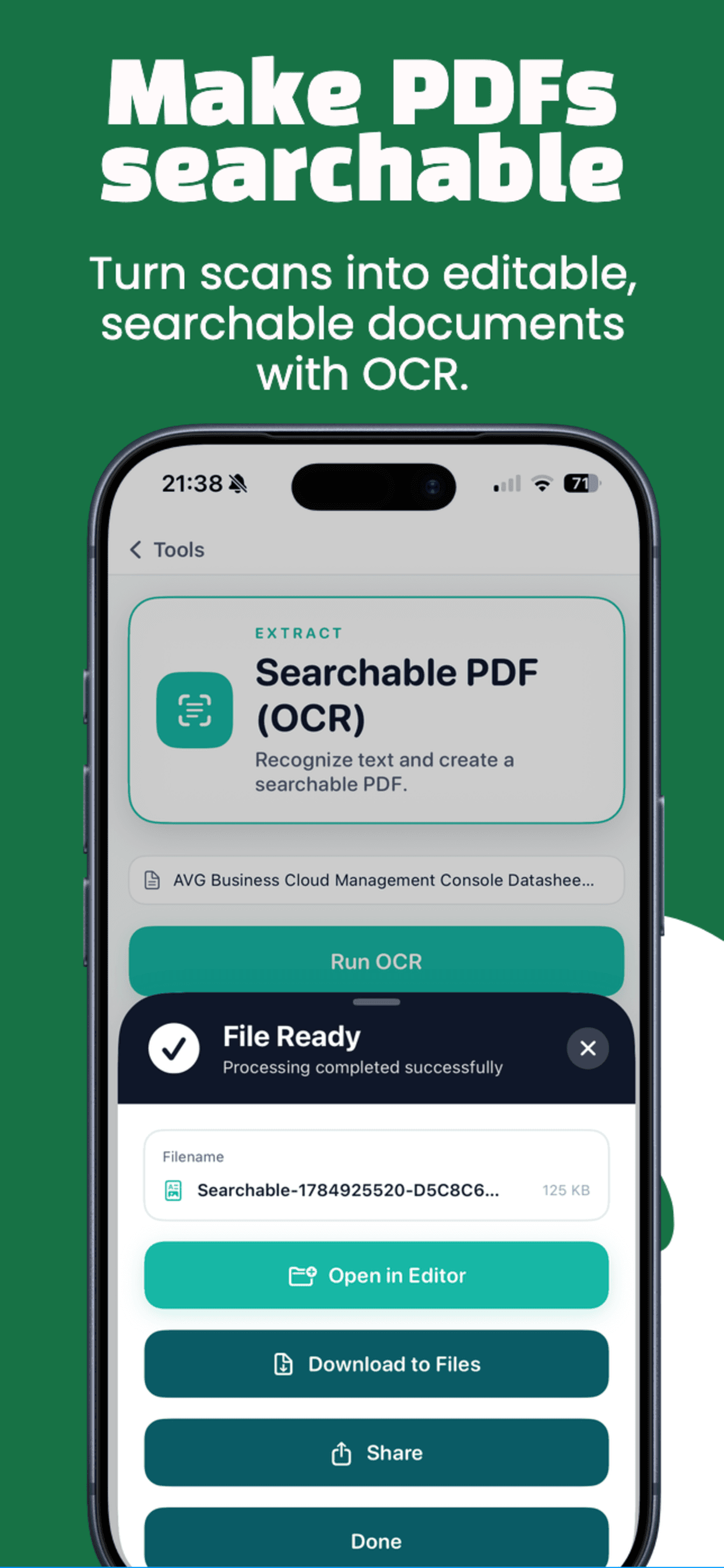
GetPDF screenshot 3
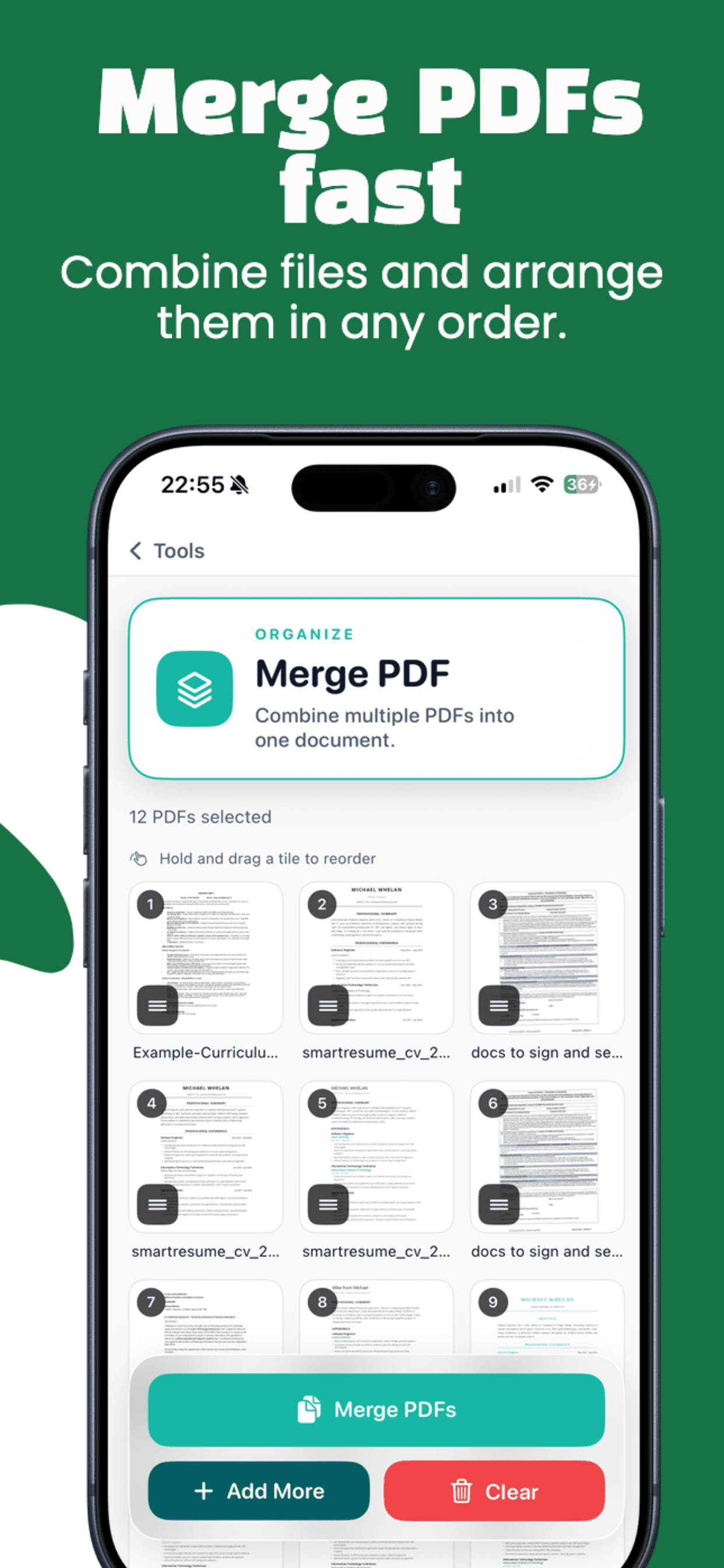
GetPDF screenshot 4
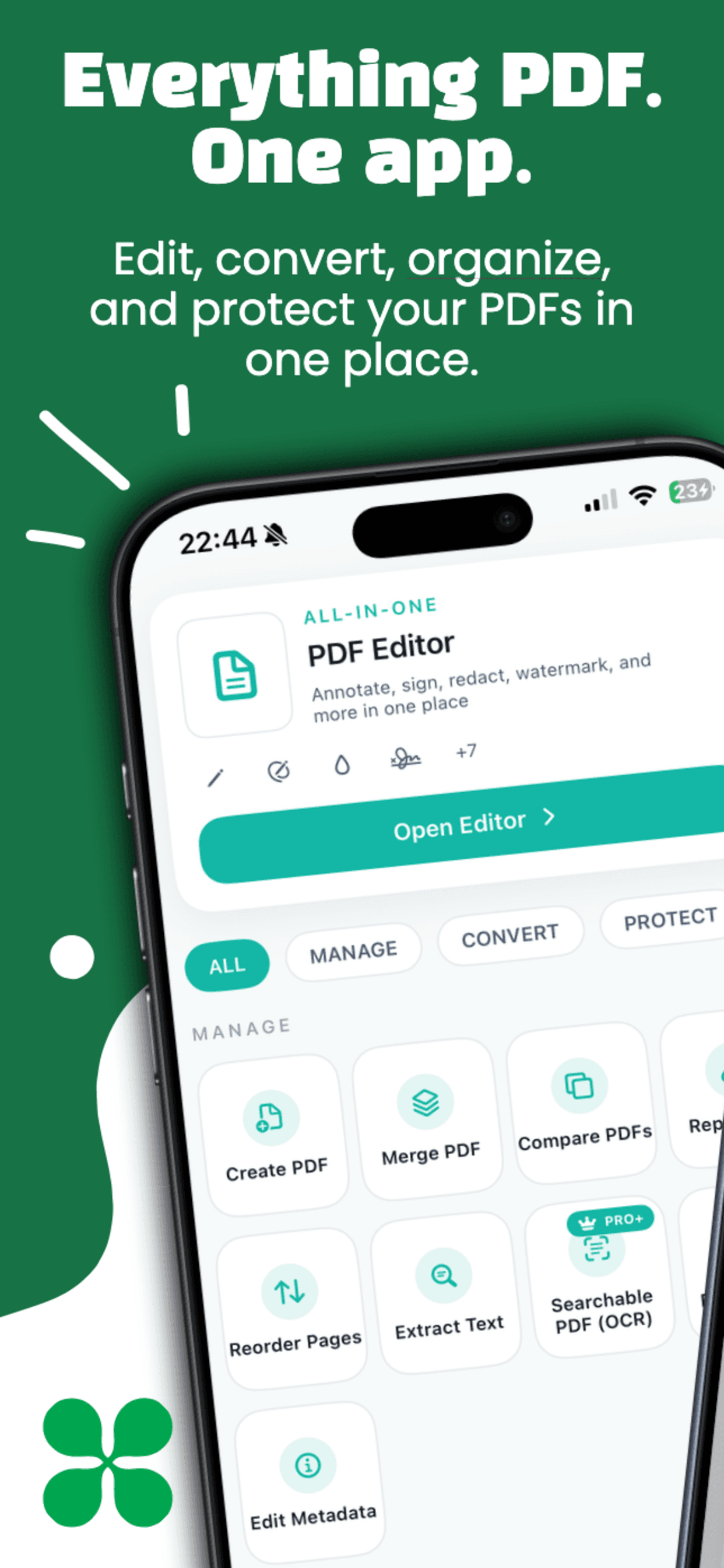
GetPDF screenshot 5

About this app

Edit, organize, scan, and convert PDFs directly on your Android or iOS device with no accounts or forced uploads.

GetPDF is a fast, privacy-first PDF editor for Android and iOS. It keeps most tools on-device so your documents stay under your control while you edit, organize, and convert PDFs. From forms and redaction to OCR and camera scans, GetPDF brings everything into a single, focused workflow with optional upgrades for advanced limits.

Key Features

Edit PDFs directly on your phone
Add text, page numbers, headers, and watermarks
Fill, edit, and flatten PDF forms
Redact sensitive information
Merge, split, reorder, and rotate pages
Compress PDFs without losing quality
Lock, unlock, and restrict PDFs with passwords
Convert PDFs to images and images to PDFs
Create searchable PDFs with OCR
Scan documents with your camera

Use Cases

Edit contracts, reports, and assignments on the go
Scan documents and make them searchable with OCR
Merge, split, and organize multi-page PDFs
Protect sensitive files with passwords and redaction

FAQs

What can I do with GetPDF?

Edit, organize, scan, and convert PDFs on-device, including forms, redaction, and OCR.

Does GetPDF upload my files?

No. Most tools run locally; a single advanced feature uses an external API and is clearly labeled.

Can I merge, split, and reorder pages?

Yes. Combine PDFs, split them, and reorder or rotate pages.

Does GetPDF work offline?

Yes. Core PDF editing tools run fully on-device without an internet connection.

Can I edit forms and redact text?

Yes. GetPDF supports filling forms, flattening them, and redacting sensitive content.

Does it support OCR?

Yes. Create searchable PDFs with OCR for scans or images.

Can I add watermarks or page numbers?

Yes. Add headers, footers, page numbers, and watermarks.

Can I password-protect PDFs?

Yes. Lock, unlock, and restrict PDF access with passwords.

Can I convert images to PDF?

Yes. Convert images to PDF and export PDFs as images.

Is it fast on large PDFs?

GetPDF is optimized for performance and handles large files smoothly on modern devices.

Is GetPDF free to use?

Core tools are free, with optional upgrades for higher limits and advanced features.

Additional Information

Updated
See store listing
Version
See store listing
Size
Varies by platform
Category
Productivity
Developer
GetSolutions

Privacy & Security

🔒No data collection
Offline-capable

Why it stands out

On-device processing keeps files under your control
Fast tools for editing, organizing, and converting PDFs
Clear upgrade path without forcing subscriptions

Ready to get started?

Download now and experience the difference.

Download on the App StoreGet it on Google Play