
GetCompress icon
Tools

GetCompress

Private PDF & image compression on-device

Get it on Google Play
GetCompress banner

Screenshots

GetCompress screenshot 1
GetCompress screenshot 2
GetCompress screenshot 3
GetCompress screenshot 4
GetCompress screenshot 5

About this app

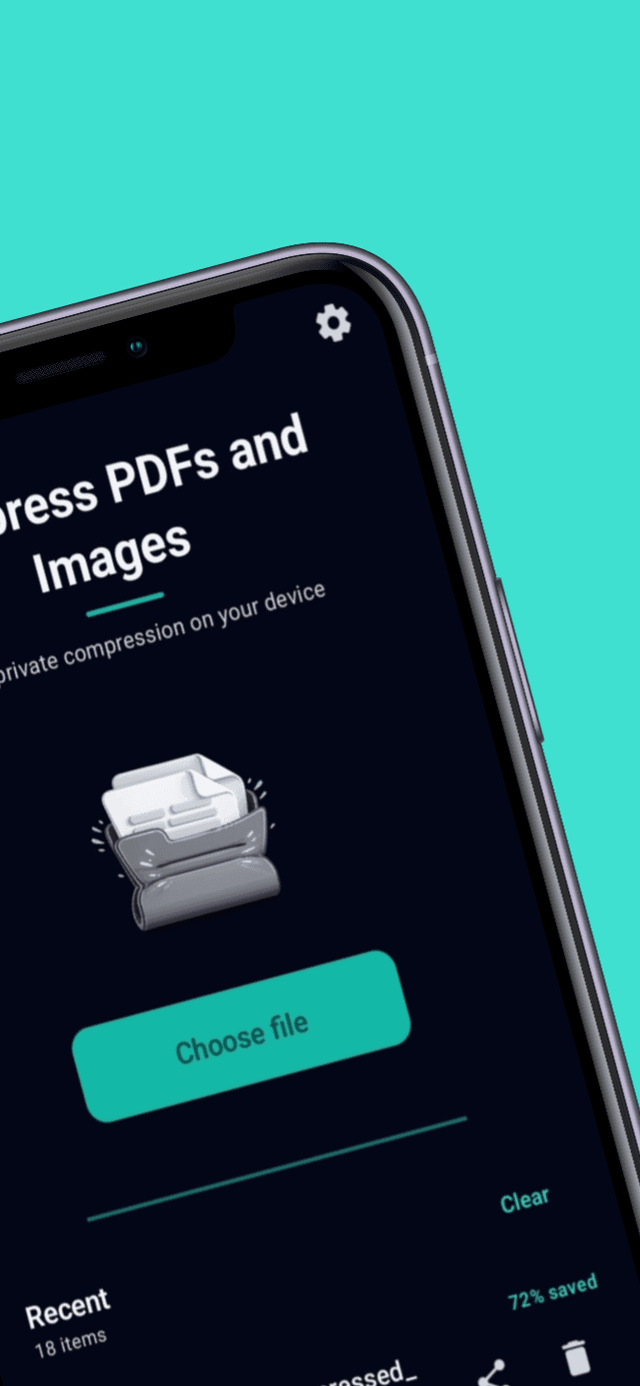
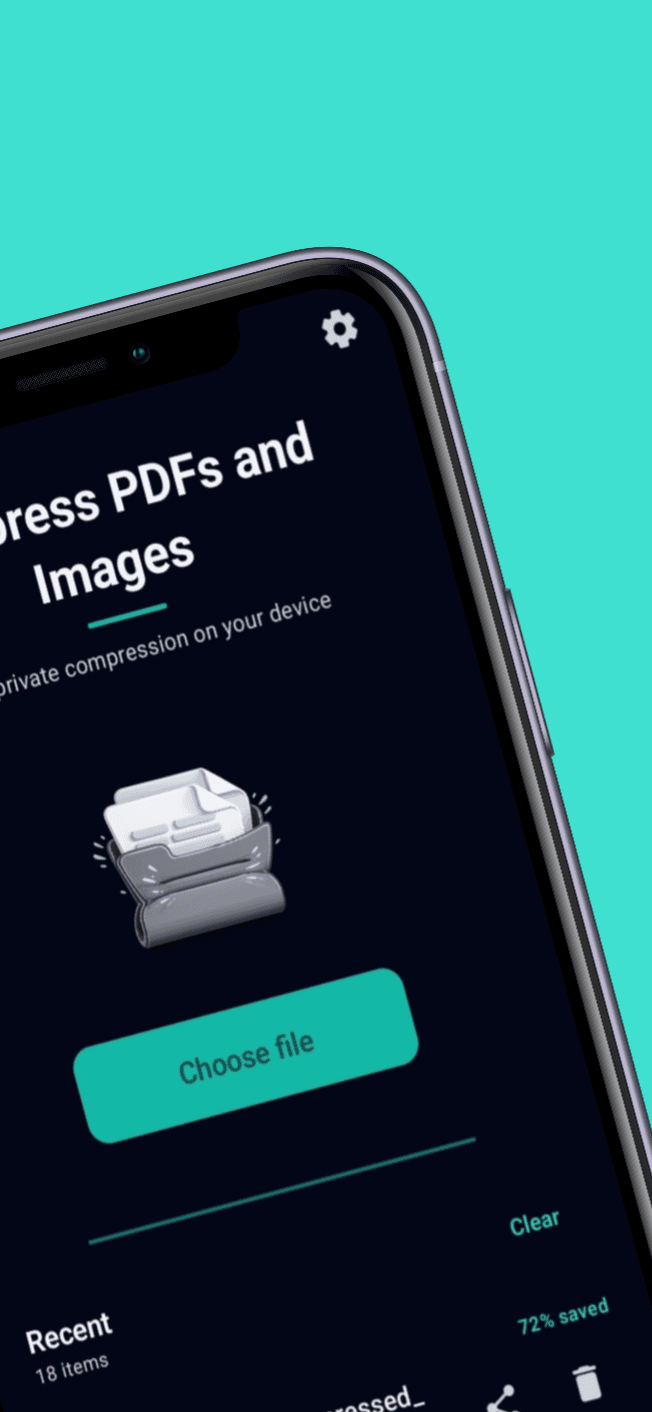
Compress PDFs and images locally with simple controls and zero uploads.

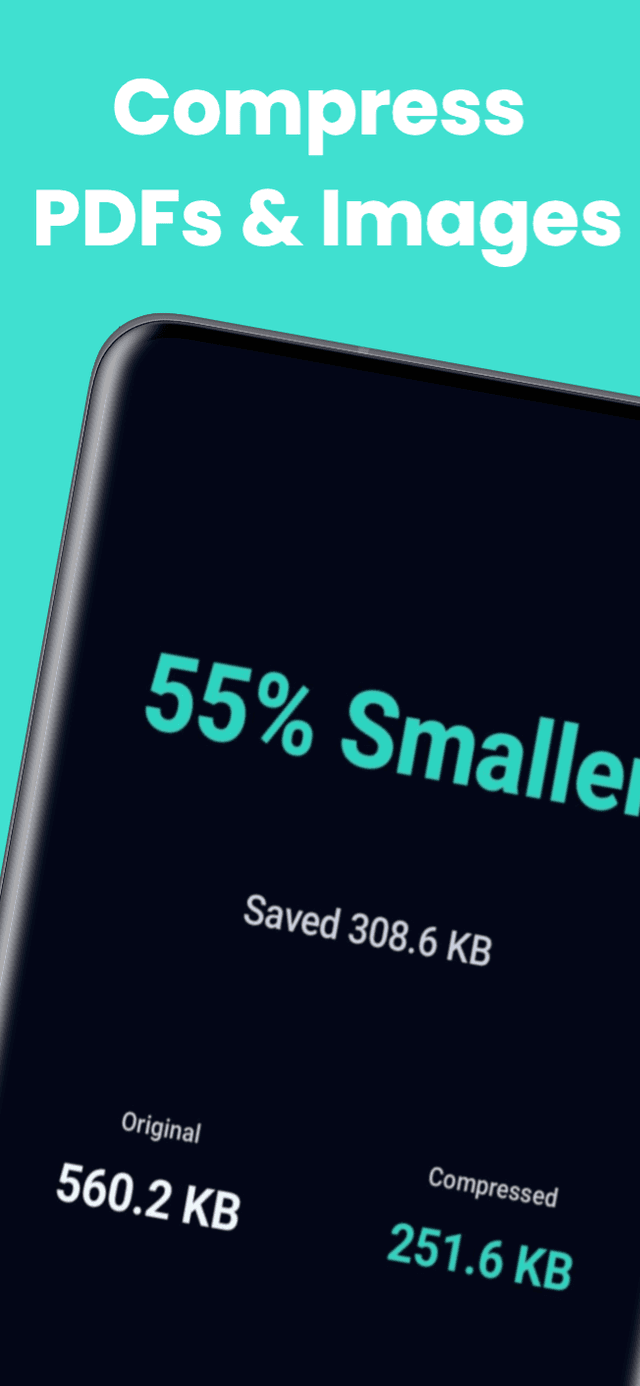
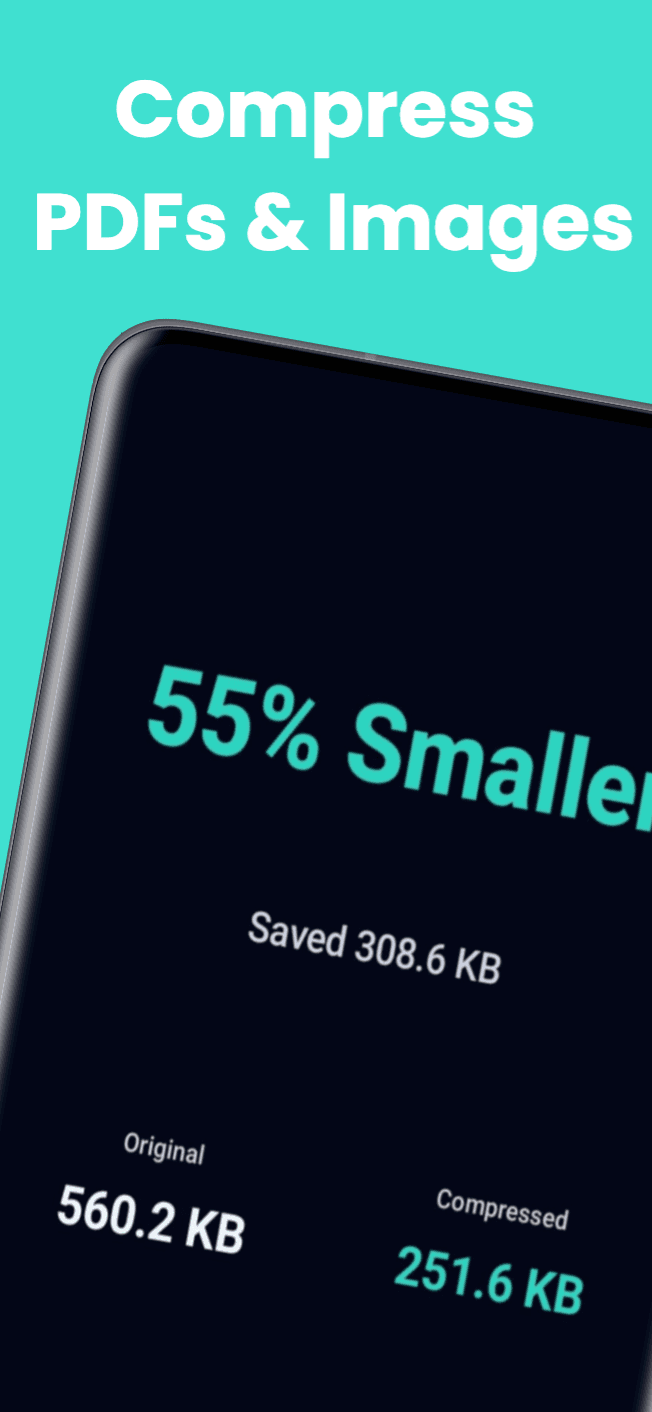
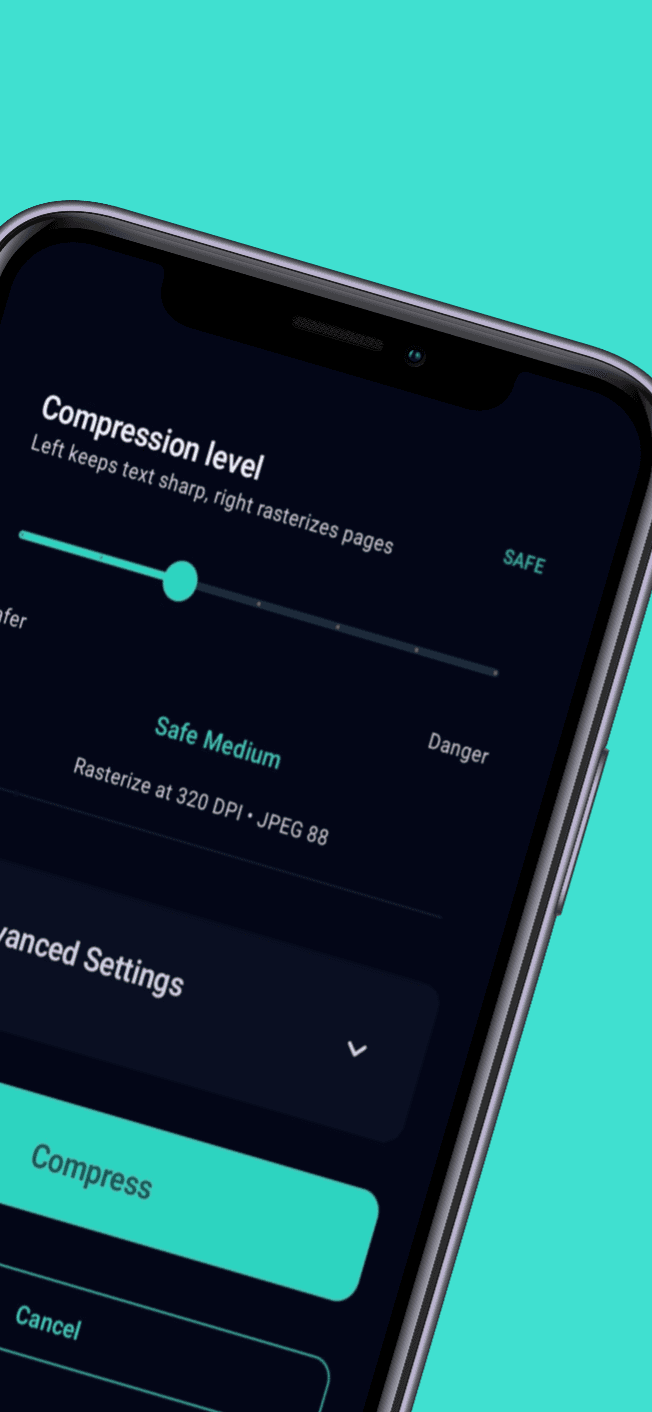
GetCompress makes PDF and image compression fast, simple, and private. Everything runs directly on your phone, so your files never leave your device. Use the safe-to-strong compression slider for quick results or dial in advanced controls when you need precise output for size limits and storage savings.

Key Features

On-device PDF and image compression
Works fully offline with no uploads
Adjustable compression slider with visible trade-offs
Preserve text, links, and document structure
Optional rasterize mode for maximum size reduction
Advanced controls for target size and DPI
Metadata removal and grayscale options
Batch compression and reusable presets
Ad-free upgrade available

Use Cases

Meet upload limits for email and web portals
Reduce storage usage on your device
Share smaller PDFs without quality loss
Batch compress multiple files at once

FAQs

What files can GetCompress handle?

PDFs and images including JPG and PNG, all processed locally.

Does GetCompress work offline?

Yes. Compression runs entirely on-device with no uploads.

Is there a quick compression mode?

Yes. Use the safe-to-strong slider for instant results.

Can I control compression quality?

Use the quick slider or advanced controls for target size, DPI, and JPEG quality.

Will text and links stay intact?

Yes. Documents can retain text and links, with optional rasterize mode for max reduction.

Do I have to rasterize PDFs?

No. Rasterize mode is optional and only needed for maximum reduction.

Can I batch compress files?

Yes. Batch compression and reusable presets are available.

Does it remove metadata?

Yes. Advanced controls include metadata removal and grayscale options.

Does it require an account?

No. Compress files immediately with no sign-in.

Can I choose a target file size?

Yes. Advanced controls let you aim for a specific file size.

Additional Information

Updated
November 2025
Version
1.8.2
Size
6.8 MB
Category
Tools
Developer
GetSolutions

Privacy & Security

🔒No data collection
Offline-capable

Why it stands out

All compression runs on-device with no uploads
Quick slider or advanced controls for precision
Preserve document readability while reducing size

Ready to get started?

Download now and experience the difference.

Get it on Google Play