
GetScan icon
Productivity

GetScan

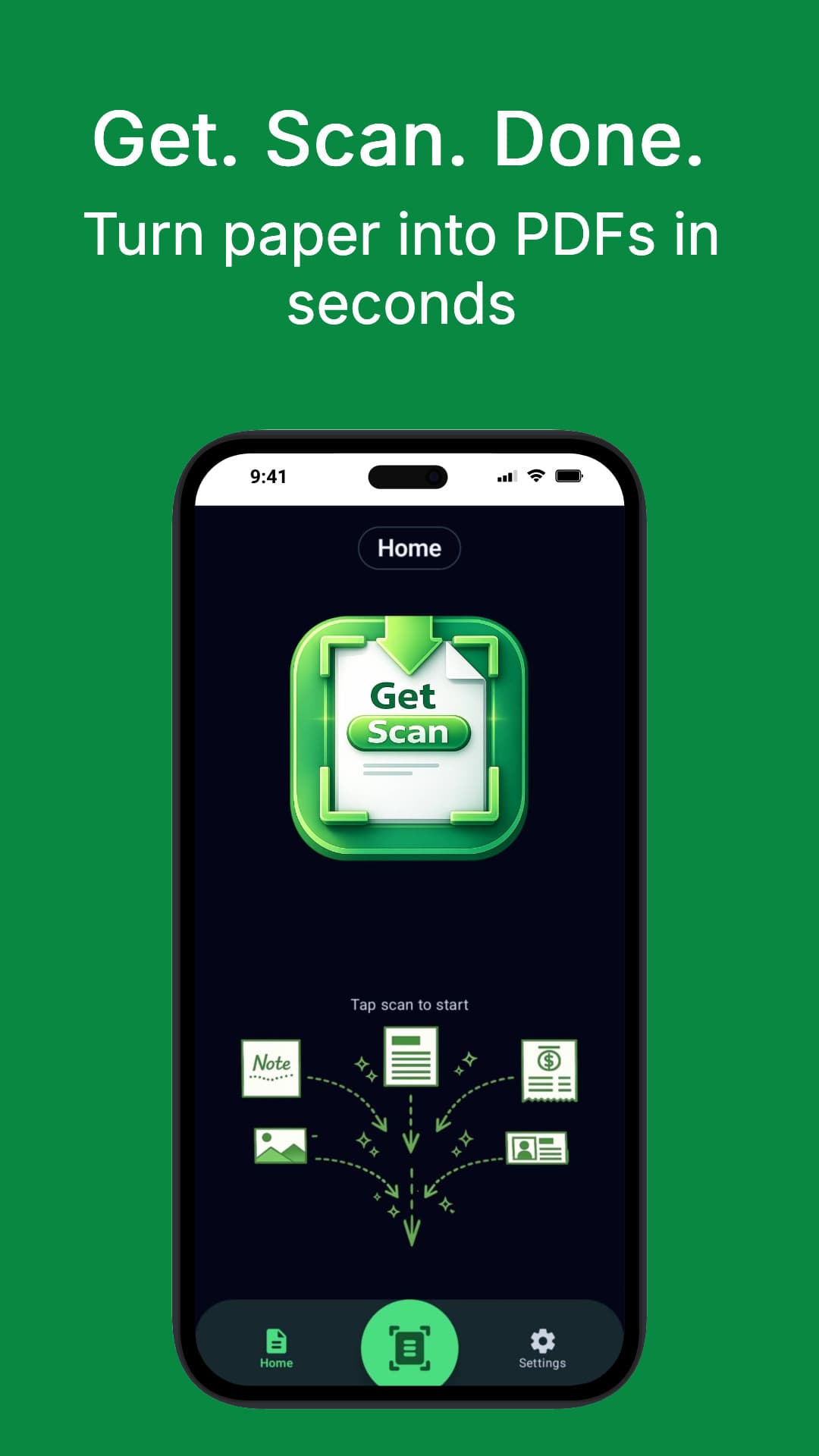
Scan to PDF in seconds with a single tap

Get it on Google Play
GetScan banner

Screenshots

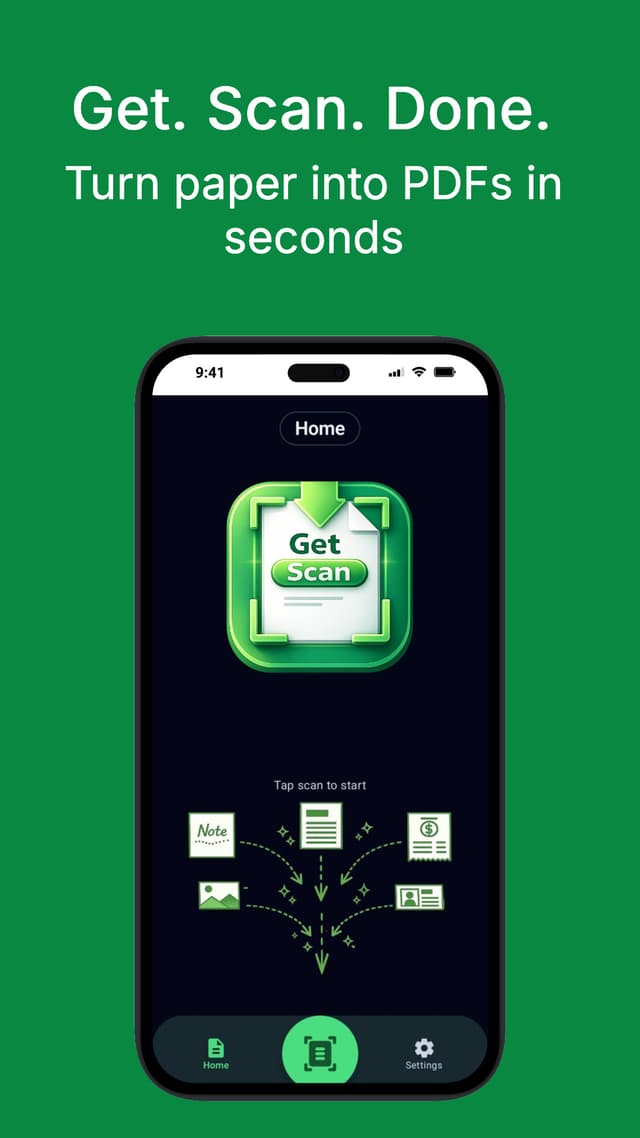
GetScan screenshot 1
GetScan screenshot 2
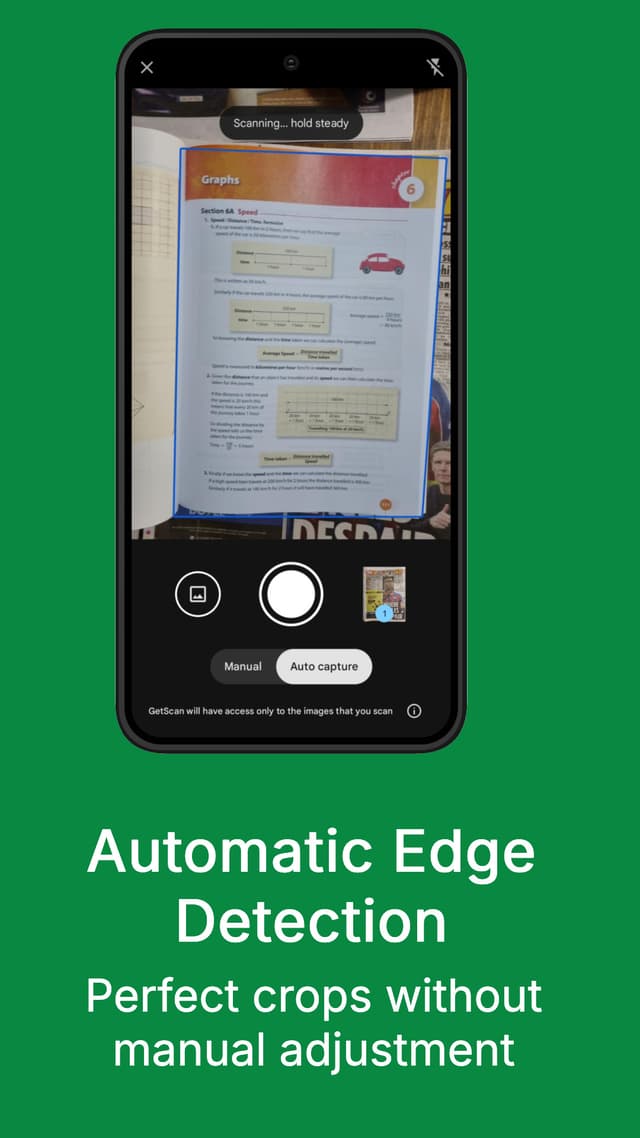
GetScan screenshot 3
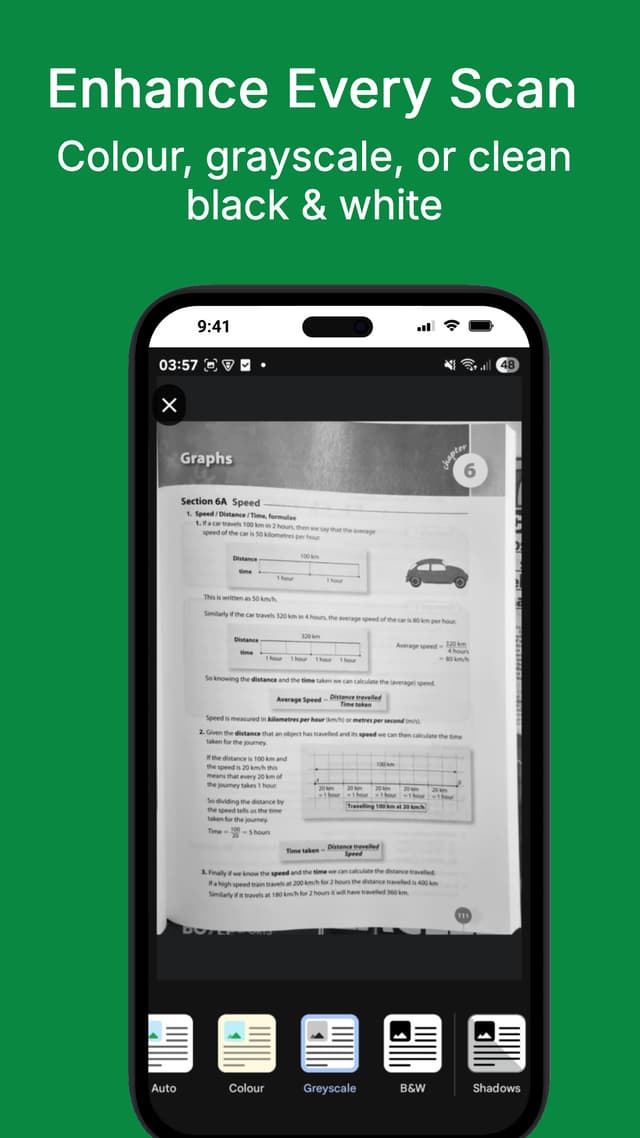
GetScan screenshot 4

About this app

A no-frills document scanner that saves PDFs locally with fast edge detection and zero accounts.

GetScan keeps document scanning simple. Open the app, tap Start Scan, and save a clean PDF straight to your Downloads folder. It uses Google ML Kit edge detection, shows your latest scan instantly, and keeps a streamlined history list so you can re-download in seconds.

Key Features

One-tap camera to PDF workflow
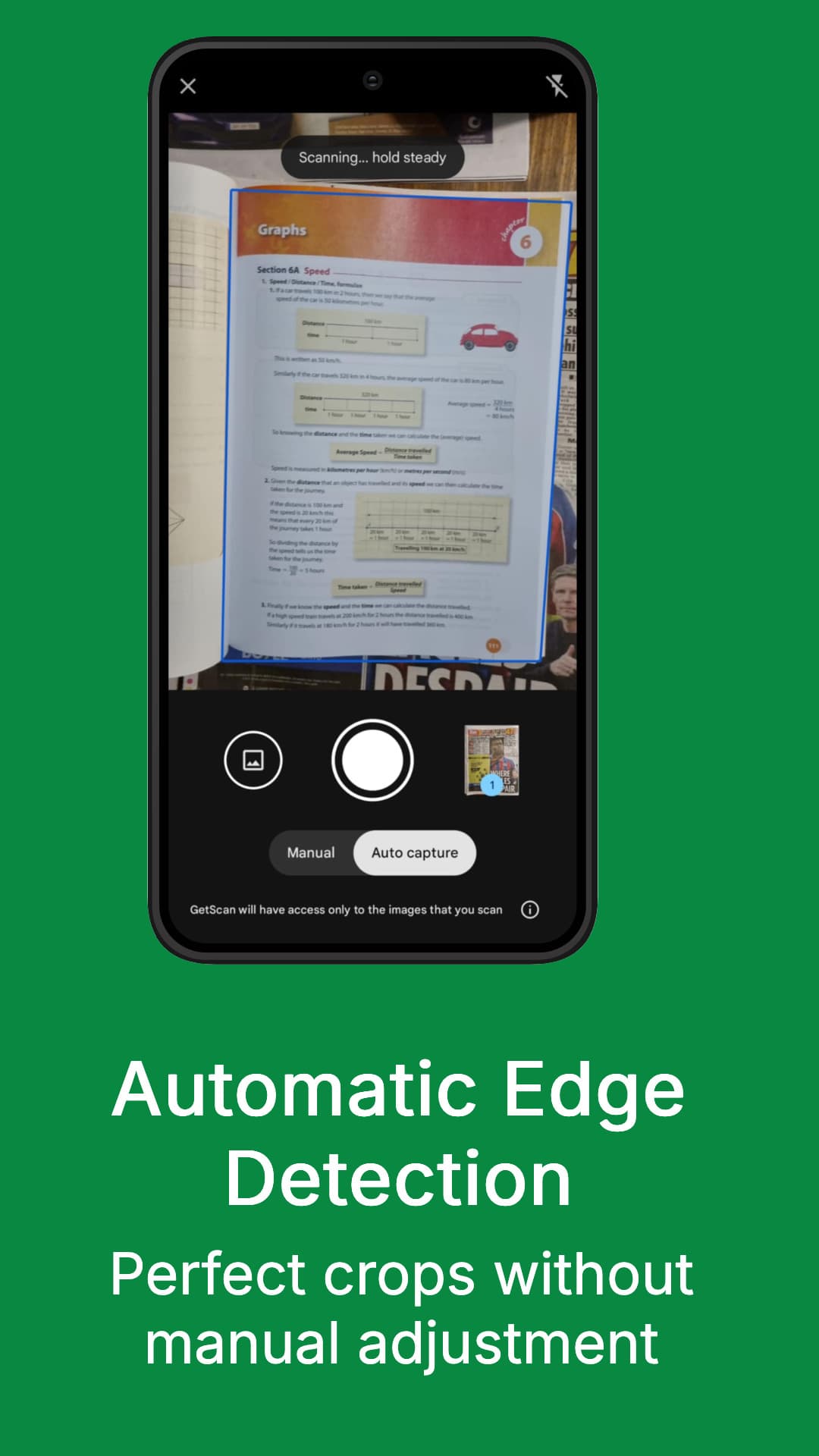
Automatic edge detection via Google ML Kit
Save scans directly to the Downloads folder
Instant latest scan preview
Streamlined scan history list
Local-only processing with no accounts
Clean, distraction-free interface
Fast capture and export

Use Cases

Scan receipts, contracts, and notes in seconds
Save PDFs straight to Downloads for quick sharing
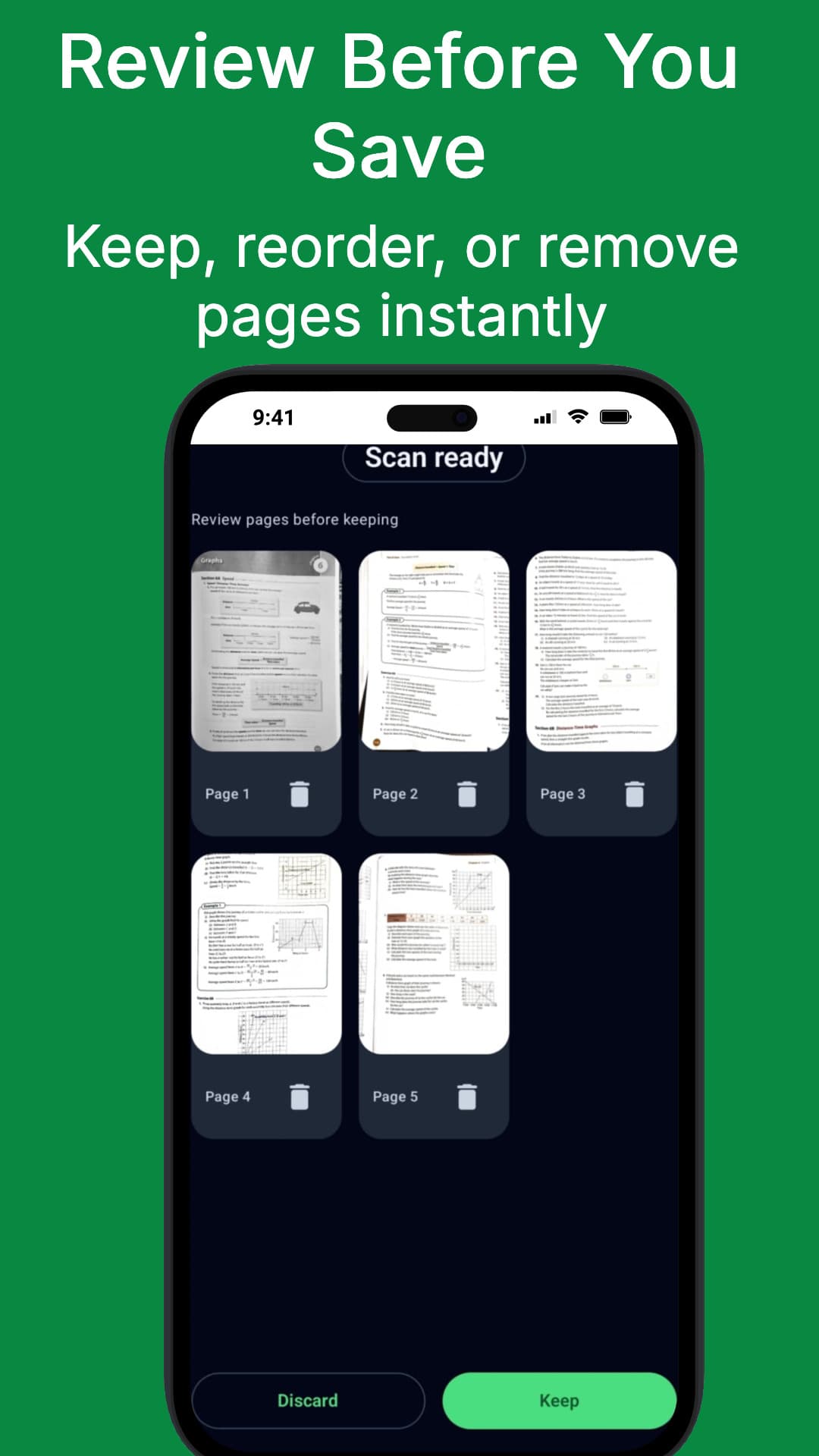
Create multi-page PDFs for reports or forms
Keep a lightweight scan history without clutter

FAQs

How does GetScan work?

Tap Start Scan to capture a page, auto-detect edges, and save a clean PDF.

Are my scans uploaded anywhere?

No. Everything stays on your device with no accounts or cloud storage.

Does it auto-detect edges?

Yes. It uses Google ML Kit edge detection for fast capture.

Where are PDFs saved?

Scans are saved straight to your Downloads folder for quick access.

Can I export or share scans?

Yes. Share PDFs using your device's standard share options.

Can I scan multiple pages?

Yes. Create multi-page PDFs in a single session.

Is there a scan history?

Yes. The app keeps a streamlined history list for quick re-downloads.

Does it keep a latest scan preview?

Yes. Your most recent scan is always visible for fast access.

Does it work offline?

Yes. Scanning and saving PDFs works without an internet connection.

Do I need to sign in?

No sign-in required. Open the app and start scanning immediately.

Additional Information

Updated
January 2026
Version
3.0.1
Size
12.3 MB
Category
Productivity
Developer
GetSolutions

Privacy & Security

🔒No data collection
Offline-capable

Why it stands out

No accounts or cloud storage required
Fast edge detection and one-tap workflow
Simple UI that stays out of your way

Ready to get started?

Download now and experience the difference.

Get it on Google Play