
All apps
GetSecure icon

Security · Android

GetSecure

Monitor permissions, scan on demand, and spot risky apps instantly

On-demand permission scans and a clear privacy dashboard without constant background monitoring.

Get it on Google Play

Inside the app

A closer look.

Scroll to explore

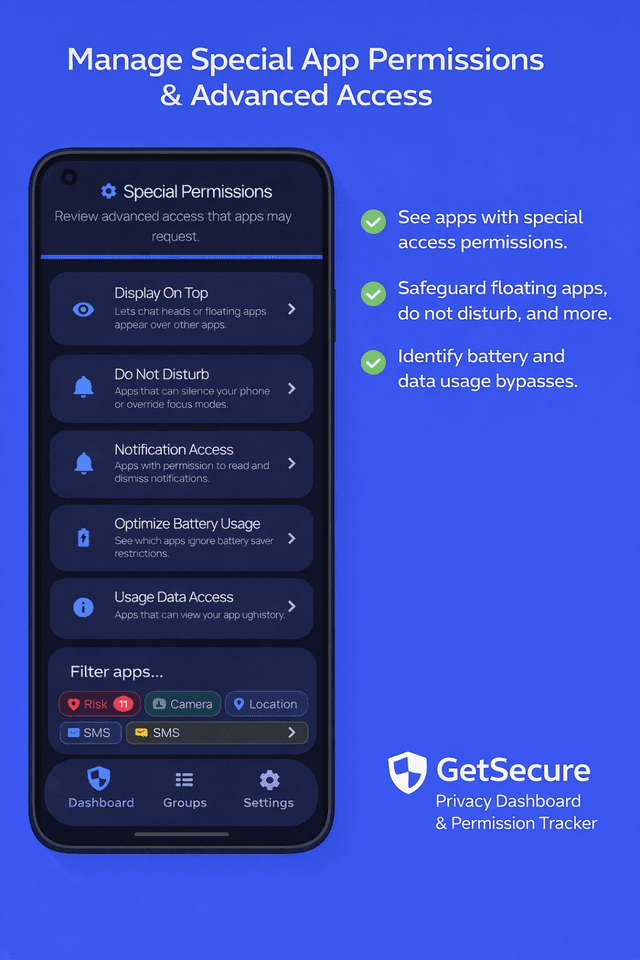
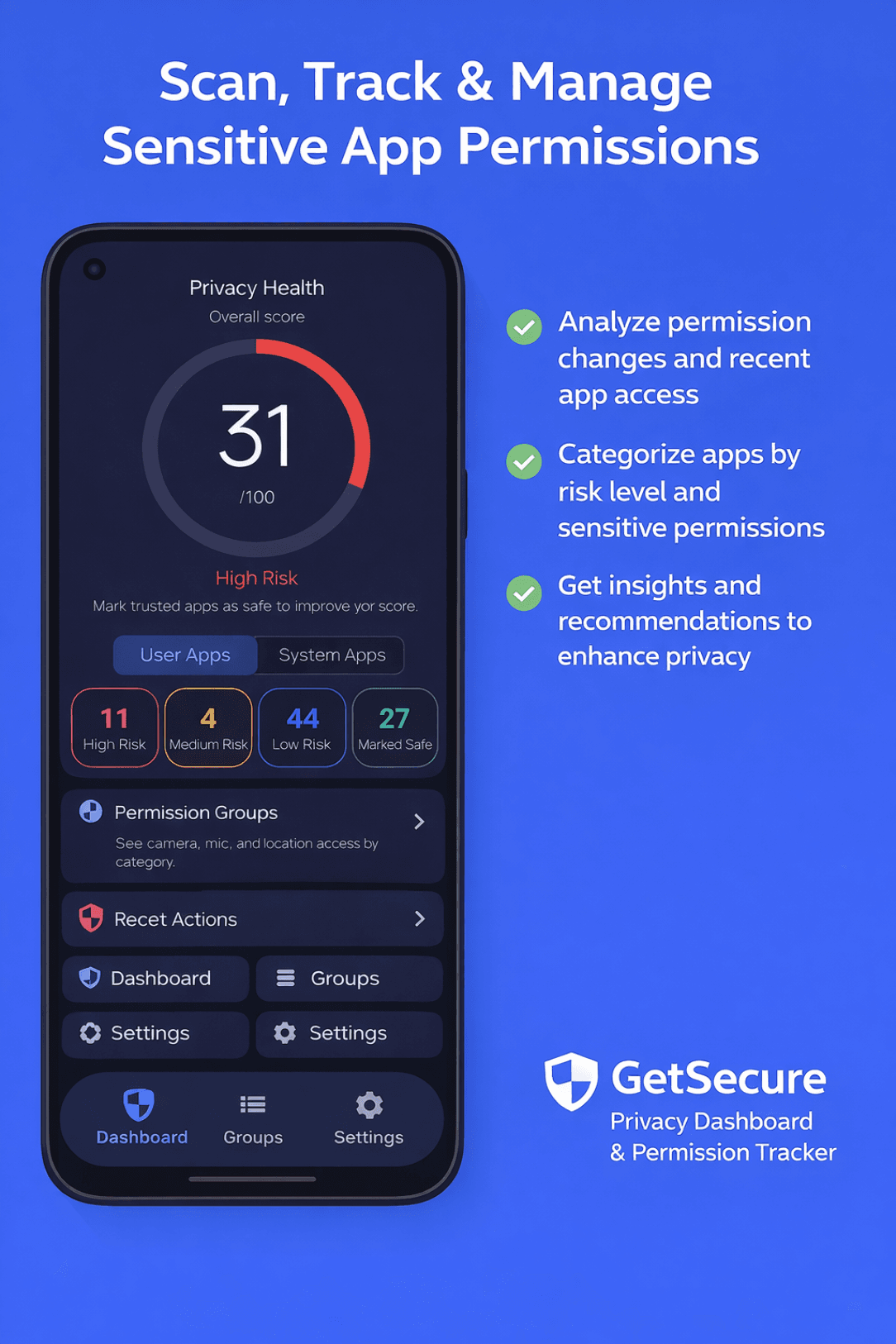
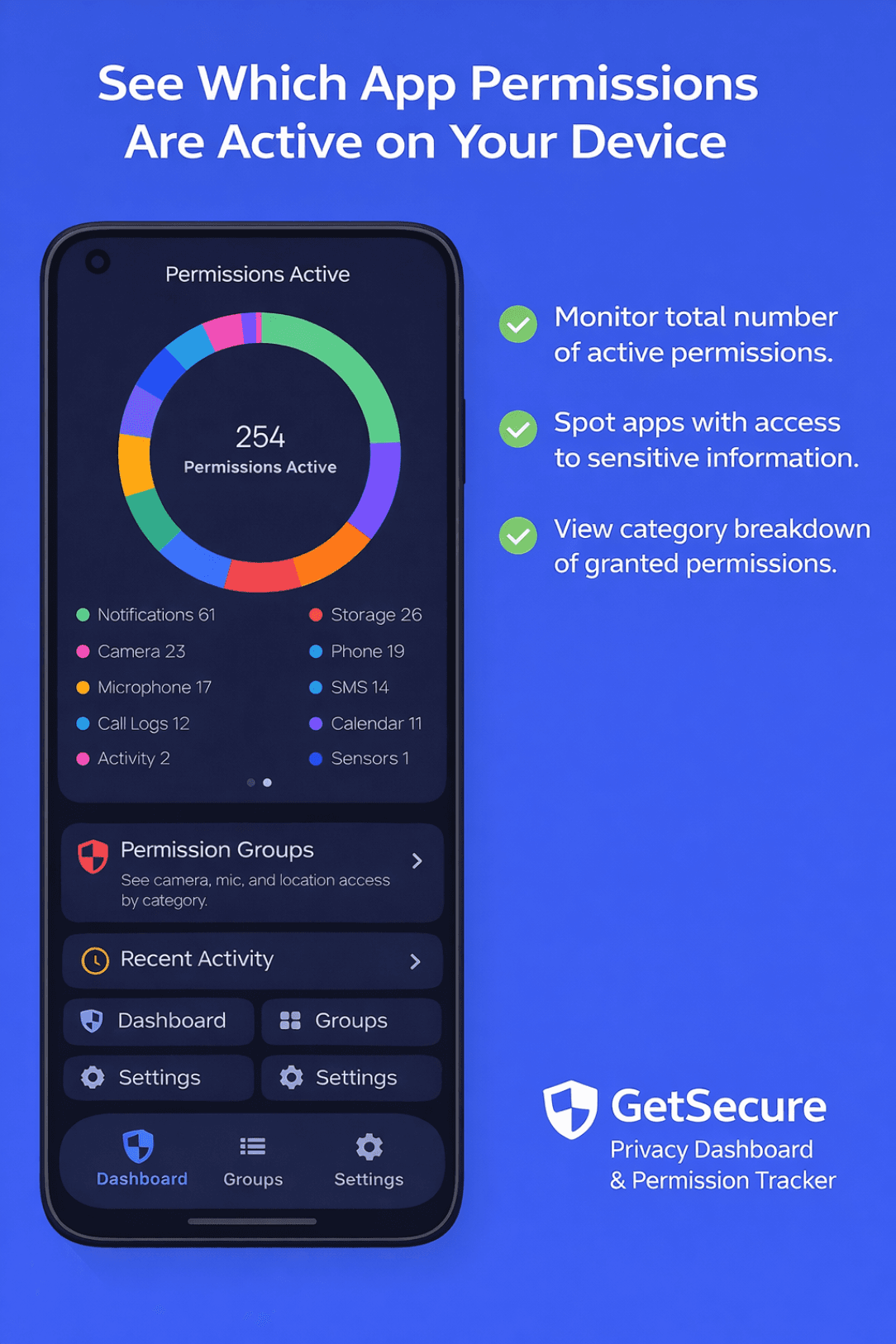
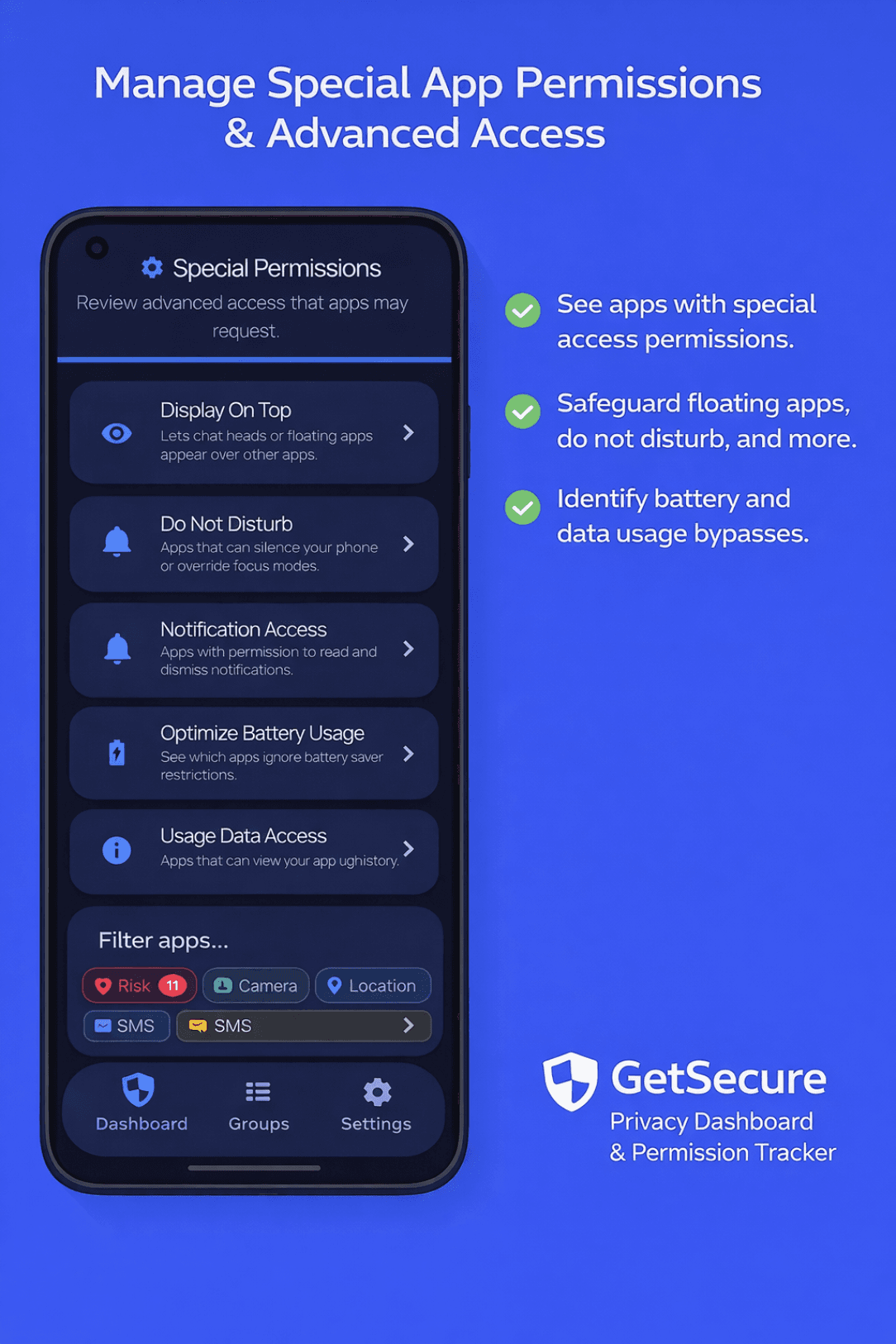
GetSecure app screenshot 1
GetSecure app screenshot 2
GetSecure app screenshot 3
GetSecure app screenshot 4
GetSecure app screenshot 5

About

Made for the task at hand.

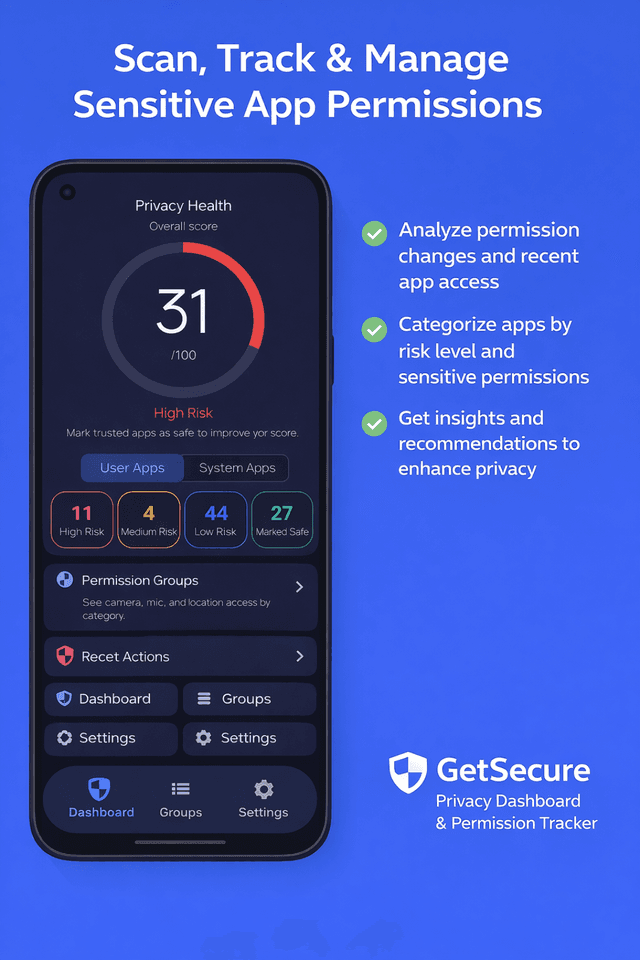
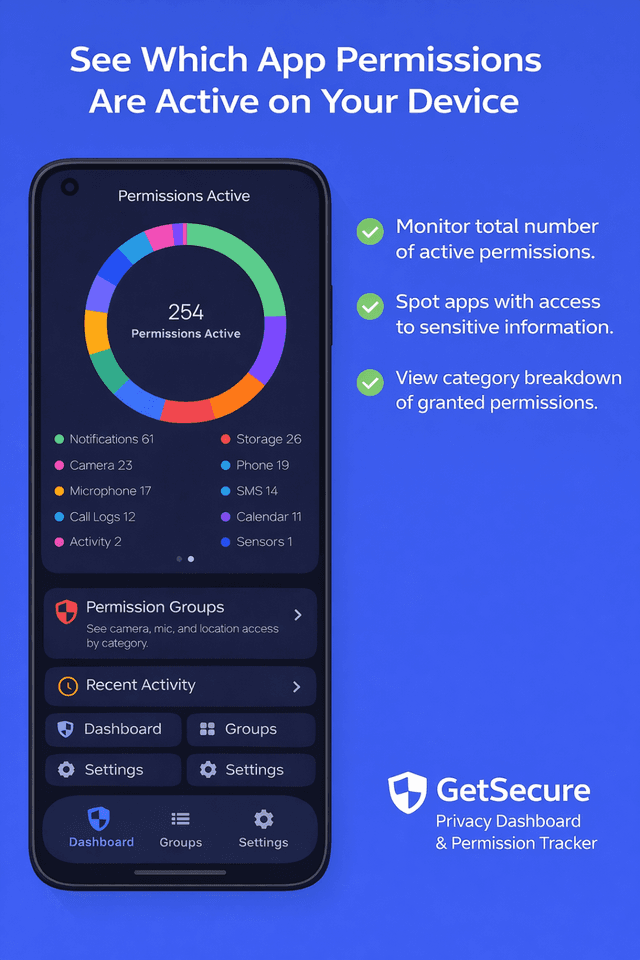
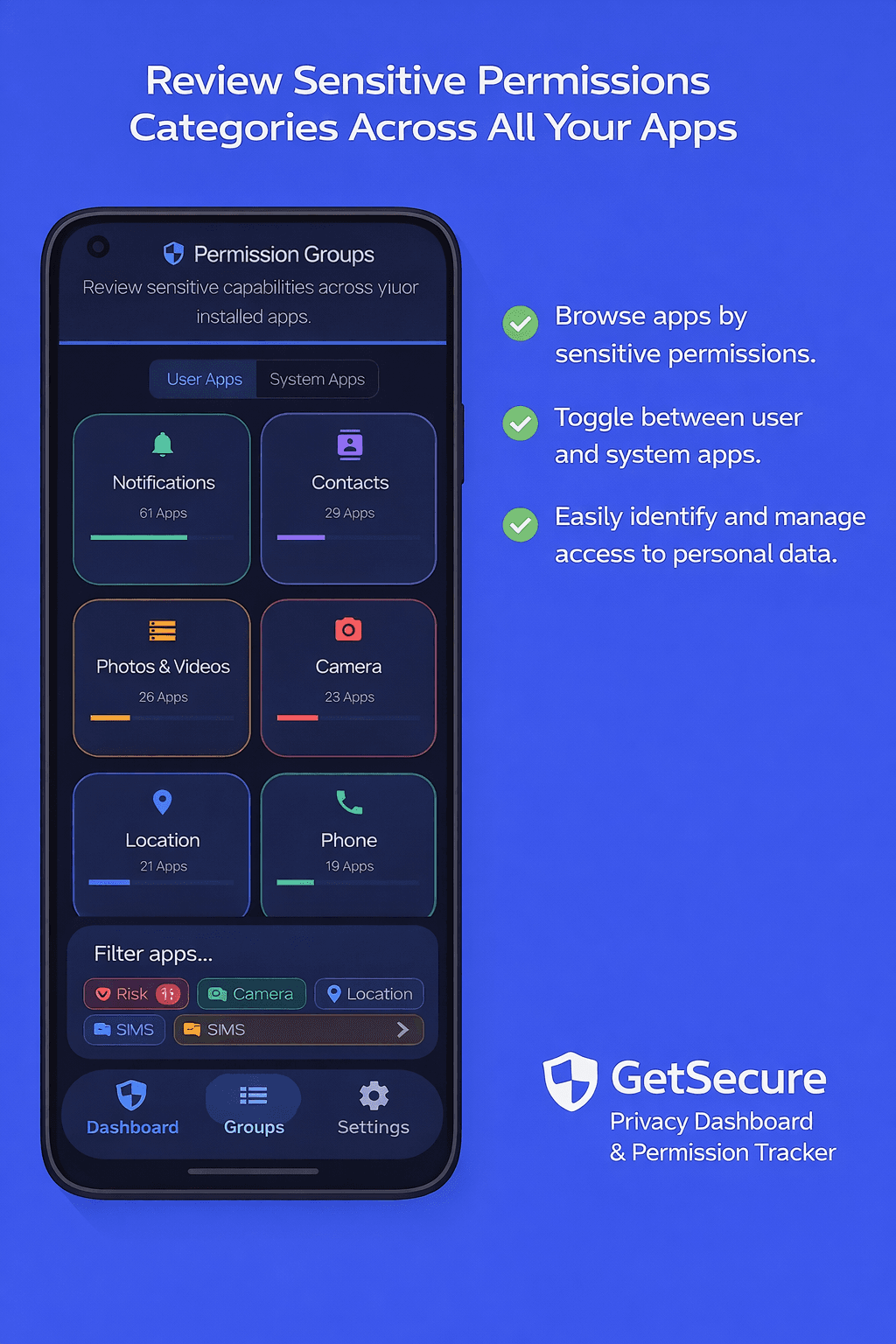
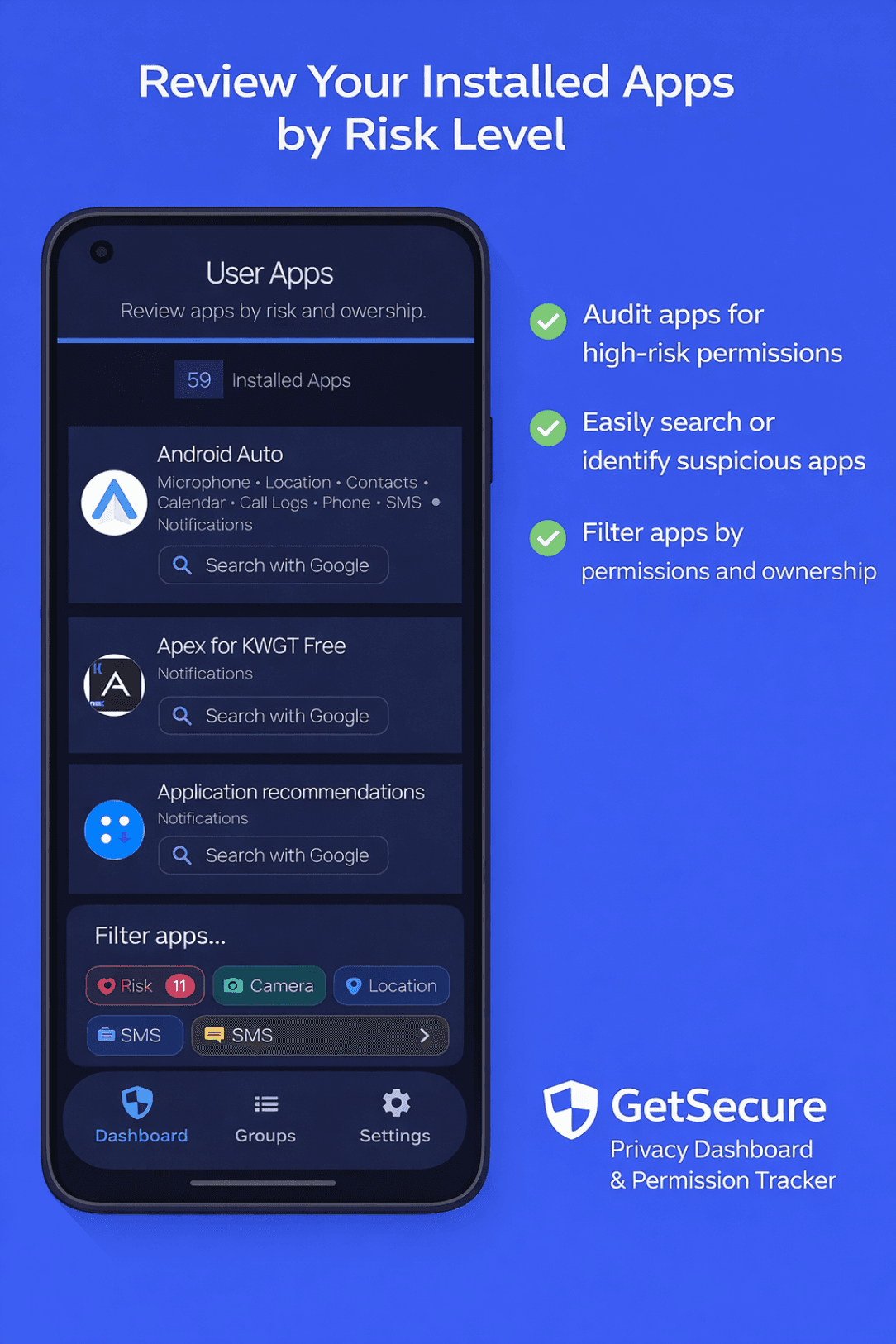
GetSecure is a lightweight Android permission manager that scans installed apps on demand, highlights risky permissions, and shows you exactly how to lock things down. There is no constant background monitoring or battery drain, just instant results, a clear privacy dashboard, and drill-downs for every permission group.

01

On-demand permission scans

02

No background services draining battery

03

Clear privacy dashboard

04

Track high, medium, and low-risk permissions

05

Weekly privacy reports

06

Permission drill-downs by category

07

Trusted app tracking

08

Works on phones and tablets

09

Lightweight ads with one-time upgrade

10

Jump to Android settings easily
Questions

Good to know.

What does GetSecure scan?

It scans installed apps for risky permissions and groups them by category.

Does it run in the background?

No. Scans happen on demand only when you open the app.

How are risks categorized?

Permissions are grouped by high, medium, and low risk for quick review.

Does it show system apps?

Yes. View user apps and system apps separately.

Can I change permissions from the app?

Yes. Jump directly to Android settings to adjust access.

Can I mark trusted apps?

Yes. Mark apps as Safe to keep your focus on surprises.

Get started

Try GetSecure.

Available from the official store links below.

Get it on Google Play